How to Take Amazing Christmas Light Photos (Even on Your Phone)
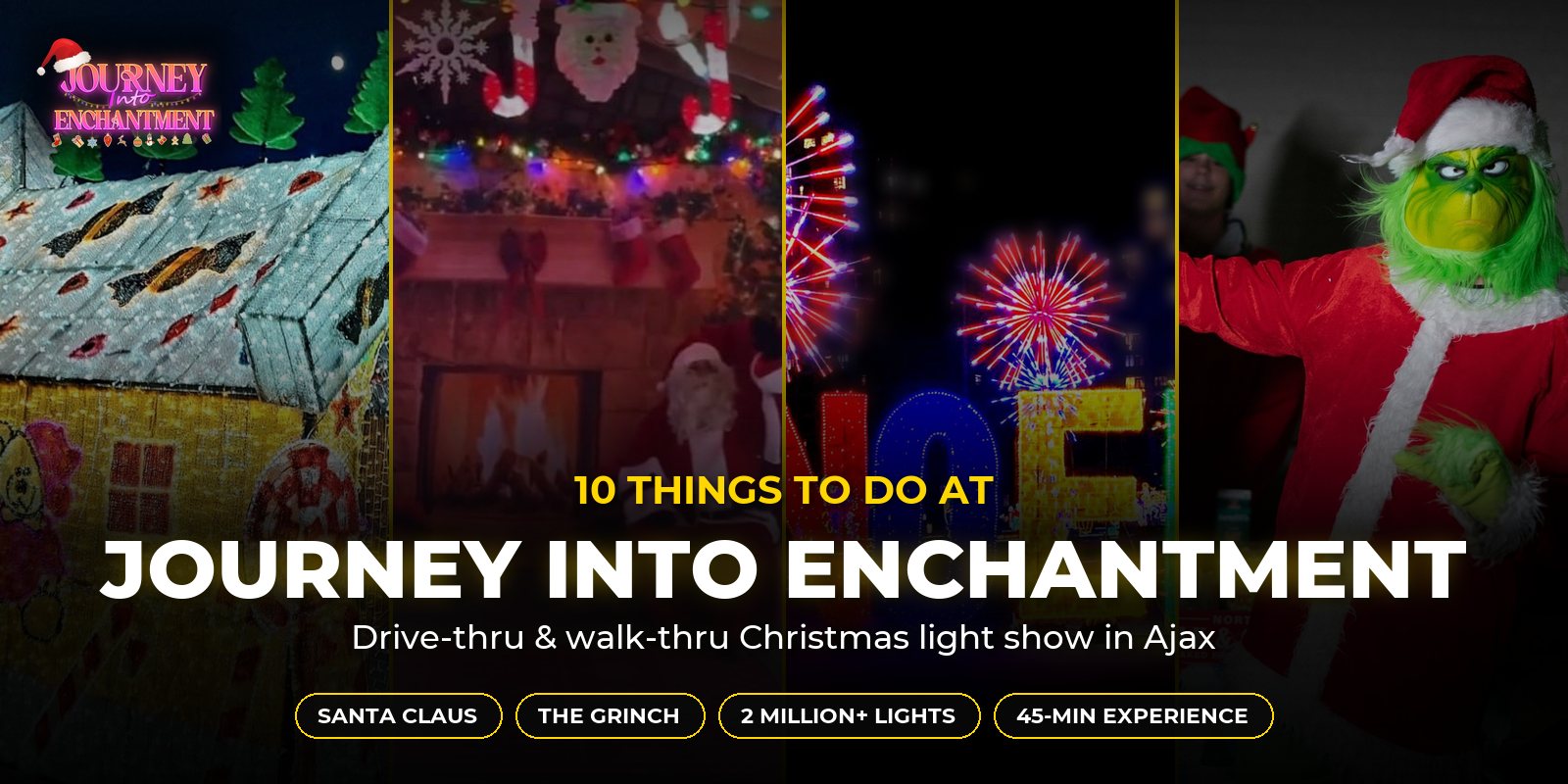
With 2 million+ lights, illuminated tunnels, Santa Claus and the Grinch, Journey Into Enchantment is one of the most photogenic nights of the holiday season. The good news: you don’t need a fancy camera. These simple tips will help you take brilliant Christmas light photos on your phone.
1. Turn Off Your Flash
Christmas lights are their own light source. A flash lights up whatever is closest — a car window, a fence, someone’s face — and washes out the colours behind it. Switch it off and let the lights do the work.
2. Use Night Mode and Hold Steady
Most recent phones switch to night mode automatically in the dark. It takes a moment to capture, so hold still until it finishes: tuck your elbows into your sides, or rest your phone against something solid.
Blurry shots usually come from moving too soon, so take two or three of each photo just in case.
3. Tap the Lights and Lower the Exposure
When bright lights are surrounded by darkness, phones often overexpose them, turning rich reds and greens into blobs of white. Tap the brightest part of the display to focus, then drag the brightness slider (the little sun icon on most phones) down a touch until the colours look true.
4. Shooting From the Car
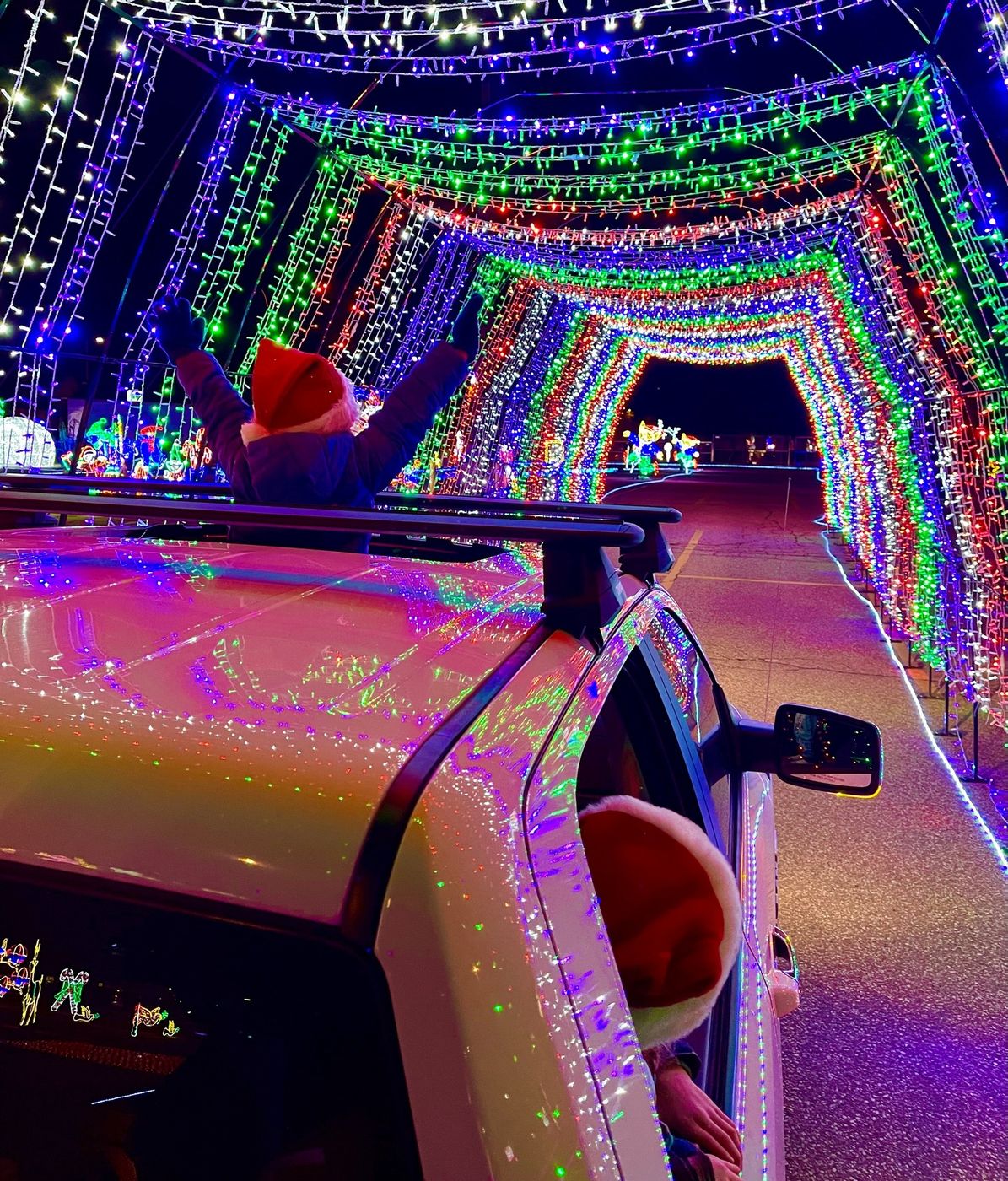
During the drive-thru, let passengers be the photographers while the driver keeps their eyes on the road. Switch off the interior lights, dim your screens and hold your phone close to the glass to cut down on reflections. Giving your windows a wipe before you leave home helps too.
Aim slightly ahead of the car rather than straight out the side; you’ll get less motion blur.
5. Switch to Video in the Tunnels
The illuminated tunnels are all about movement, with lights twirling and glistening all around the car. A short video or a Live Photo captures that magic better than a still, and slow motion is fun here too.
6. Let the Displays Light Up Faces
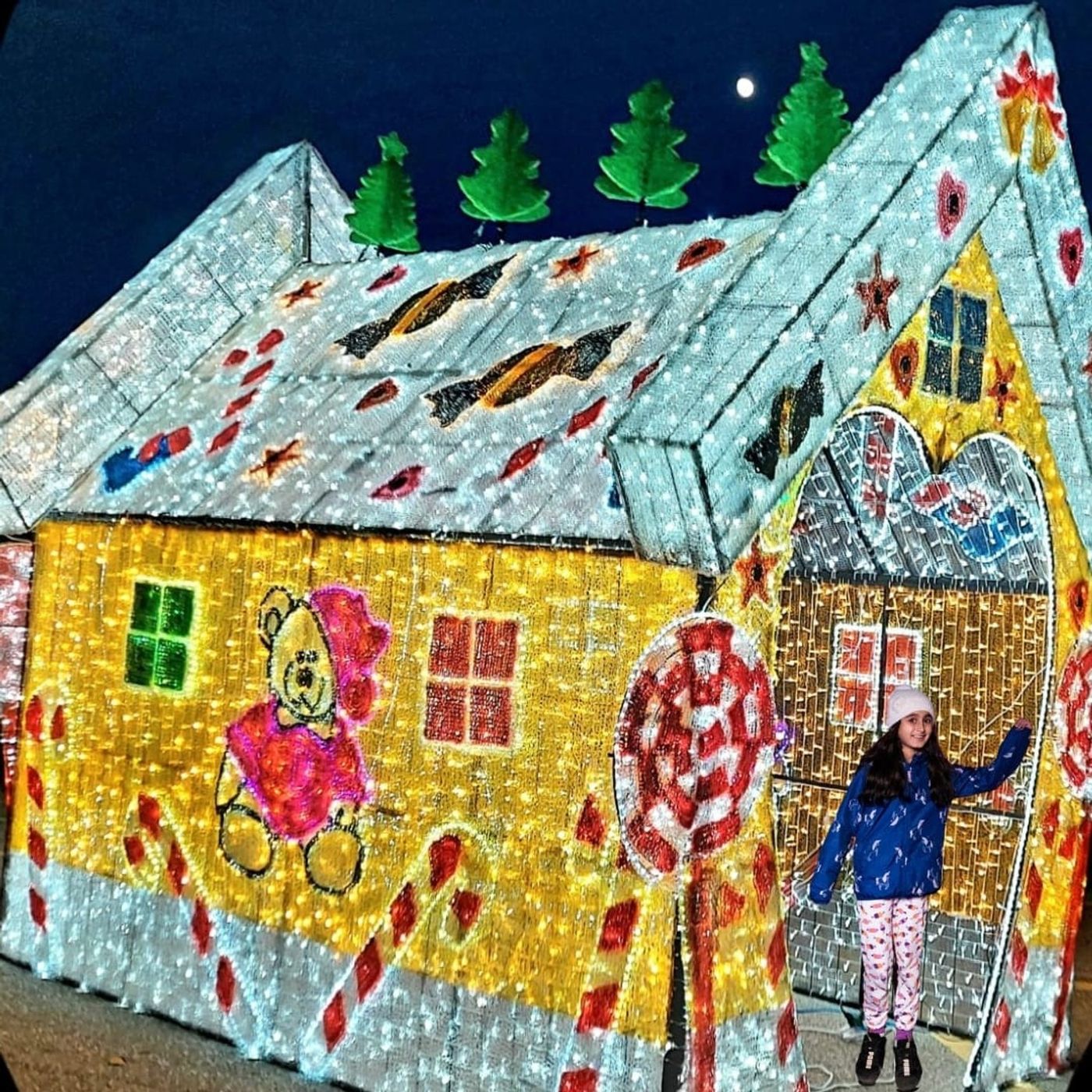
On the walk-thru, have your family stand close to a display so its glow lights up their faces. The closer they are, the brighter and warmer they’ll look, with no flash required.
Portrait mode turns the lights behind them into soft, sparkly blurs — perfect for a holiday card.
7. Photos With Santa and the Grinch
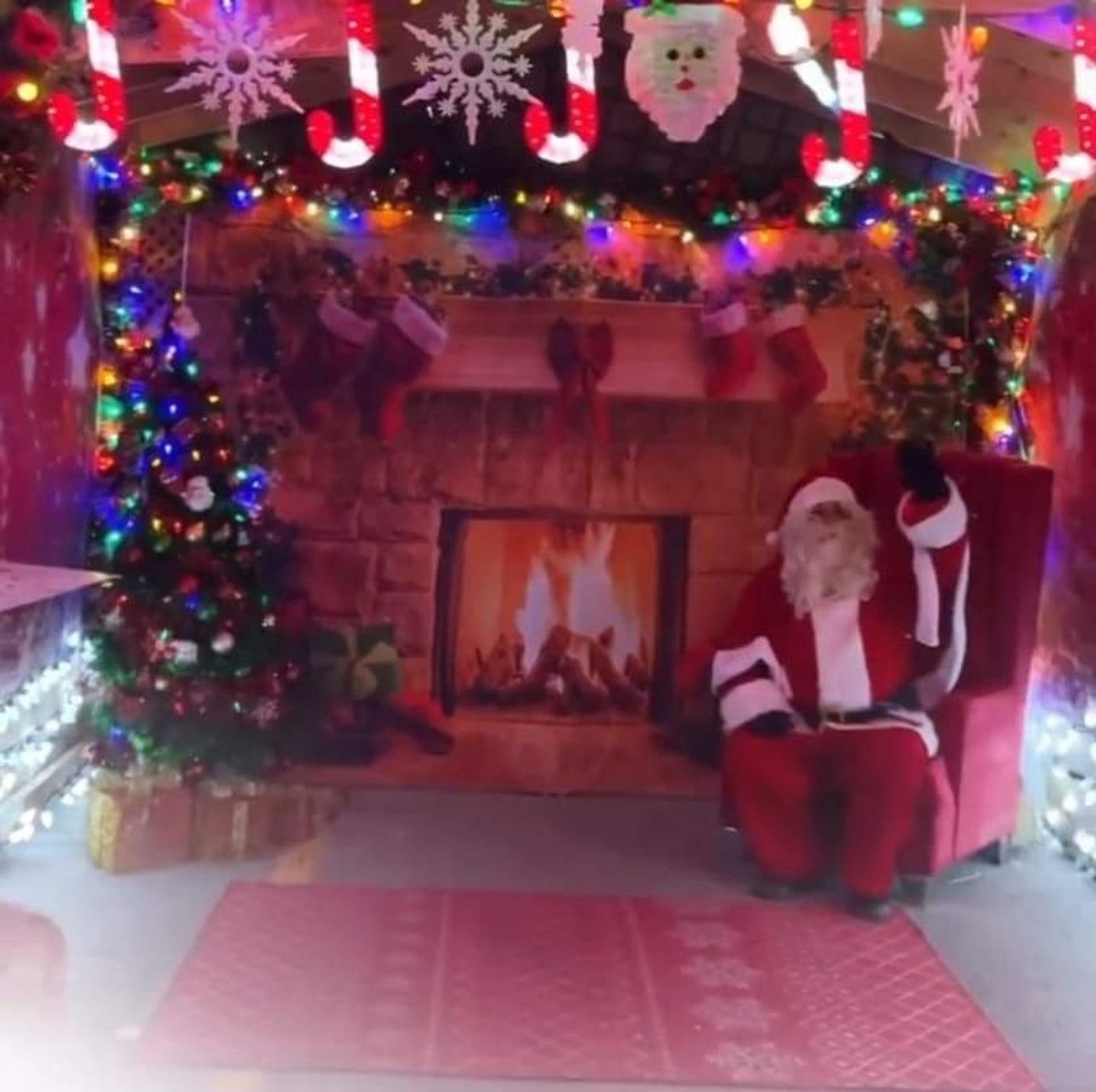
Get down to the kids’ eye level and use burst mode to catch the best expressions, because someone always blinks! Then step aside so the next family gets their turn; please be mindful of other guests while taking photos.
8. Mix Wide Shots and Close-Ups
Step back for wide shots that show a whole scene, like the giant NOEL letters with their light fireworks, then move in close for details.
Move your feet instead of zooming in: digital zoom gets grainy in the dark. If your phone has a wide-angle (0.5×) lens, it’s great for fitting a big display into one frame.
9. Keep Your Battery Warm and Charged
Cold weather drains phone batteries faster. Charge up before you leave, bring a portable charger if you have one, and keep your phone in an inside pocket between shots on the walk-thru. Clear some storage space too, because videos add up quickly.
Our Favourite Photo Spots
- The illuminated tunnels: film them from the car as the lights swirl around you
- Santa’s cozy Christmas cabin: the classic holiday photo
- The Grinch: Christmas’s grumpiest guest is ready for his close-up
- The larger-than-life gingerbread house: perfect for a family photo
- The giant NOEL letters and light fireworks: a ready-made holiday card
Frequently Asked Questions
Can I take photos or record the experience?
Absolutely, capturing festive photos is part of the fun! Please be mindful of other guests while taking photos, and stay in your vehicle during the drive-thru unless instructed otherwise by our staff.
Can we meet Santa Claus and the Grinch?
Yes! Santa Claus and the Grinch are part of the walk-thru experience. Say hello, share your Christmas wishes with Santa, keep an eye on the Grinch and capture festive family photos with your own phone or camera.
Is there a walk-through experience?
Yes! After the 30-minute drive-thru, enjoy a 15-minute walk-thru where you can stroll among sparkling 3D and 2D Christmas displays, meet Santa Claus and the Grinch, take festive photos and treat yourself to hot chocolate and snacks. Please dress warmly, as the walk-thru is outdoors.
More questions? See our full FAQ or email contact@journeyintoenchantment.com.
Ready for Your Journey Into Enchantment?
Approximately 45 minutes of Christmas wonder — 2 million+ lights, illuminated tunnels, Santa Claus, the Grinch and hot chocolate, all with one ticket. Make it your new family tradition!